
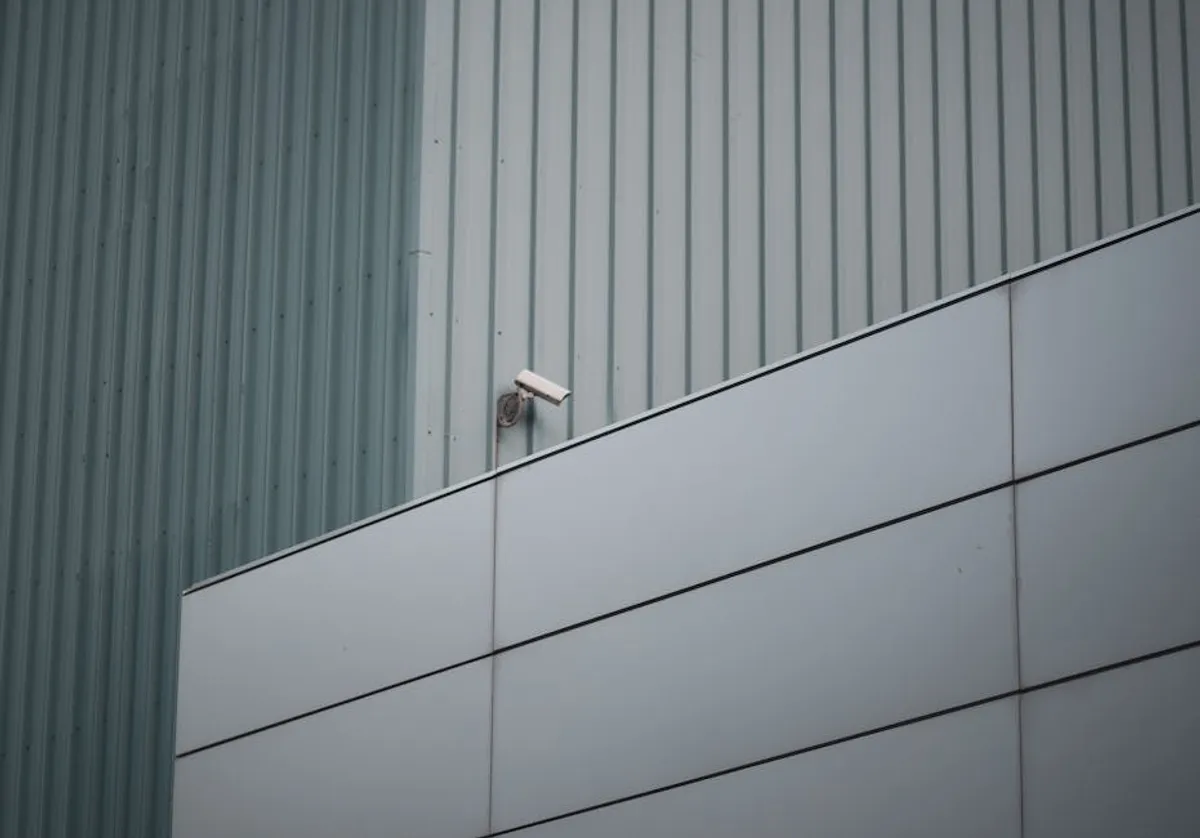
Choosing an outdoor security camera involves navigating a wide array of technical specifications and features, which can be daunting for beginners. The goal is to select a system that effectively monitors your property, provides clear evidence when needed, and integrates seamlessly with your lifestyle, all while staying within a practical budget. This guide breaks down the essential considerations, helping you prioritize features based on your specific security needs and property characteristics.
Evaluating Essential Camera Features
The core functionality of an outdoor security camera hinges on several key attributes. Understanding these will directly inform your purchasing decision.
Power Supply Options
The camera's power source dictates placement flexibility and maintenance requirements.
- Wired Cameras: These connect directly to an electrical outlet, ensuring continuous power without battery concerns. They offer reliable, uninterrupted operation, often supporting advanced features like continuous recording or powerful spotlights. Installation typically requires access to an outdoor power source or professional wiring.
- Battery-Powered Cameras: Offering maximum placement flexibility, these cameras run on rechargeable batteries. They are ideal for areas without easy access to power outlets and are generally simpler to install as a DIY project. The trade-off is the need for periodic battery recharging or replacement, which can vary from weeks to months depending on usage and features.
- Solar-Powered Cameras: A variation of battery-powered systems, these cameras incorporate a small solar panel to continuously recharge the battery. This significantly reduces manual maintenance, making them suitable for sunny locations where running wires is impractical. Consistent sunlight is crucial for their effectiveness.
Justification: Your choice here impacts installation effort, ongoing maintenance, and the camera's ability to operate continuously, especially in remote or off-grid locations.
Connectivity and Data Transmission
How your camera communicates determines remote access, alert speed, and overall system reliability.
- Wi-Fi Cameras: These connect to your home's existing wireless network to transmit video and alerts. They are common and integrate well with smart homes. Reliable Wi-Fi signal strength at the camera's location is critical for consistent performance.
- Cellular (4G/5G) Cameras: Designed for locations without Wi-Fi access, such as remote cabins or construction sites. These cameras use a cellular data plan to transmit footage. This provides robust connectivity where wired internet is unavailable but incurs ongoing data costs.
- Local Storage Cameras: Some systems record directly to an on-site device, such as a Network Video Recorder (NVR), Digital Video Recorder (DVR), or a built-in SD card. While some may offer remote viewing via Wi-Fi, the primary recording mechanism is local, reducing reliance on internet bandwidth for continuous recording.
Justification: The connectivity method directly impacts installation complexity, monthly costs, and your ability to monitor footage remotely or receive real-time alerts.
Video Resolution and Field of View
These specifications determine the clarity and coverage area of your surveillance.
- Resolution: Measured in pixels (e.g., 1080p, 2K, 4K), higher resolution provides sharper images, making it easier to identify faces or license plates. While 1080p (Full HD) is a common baseline, 2K and 4K offer significantly more detail, especially when digitally zooming into footage. Higher resolution also means larger file sizes, impacting storage needs.
- Field of View (FOV): This refers to the width of the area the camera can capture. A wider FOV (e.g., 120-180 degrees) covers more ground with a single camera, reducing the number of units needed. Some cameras offer pan/tilt/zoom (PTZ) capabilities, allowing you to remotely adjust the camera's angle and zoom in on specific areas.
- Night Vision: Essential for 24/7 monitoring. Infrared (IR) night vision provides black-and-white footage in low light. Color night vision, achieved through advanced sensors or integrated spotlights, offers more detailed and identifiable footage after dark.
Justification: Clear resolution and adequate coverage are paramount for effective security monitoring and providing actionable evidence.
Motion Detection Technology
Accurate motion detection reduces false alarms and ensures you're notified of relevant events.
- PIR (Passive Infrared) Detection: Detects changes in heat signatures, making it effective at identifying people and larger animals while minimizing false alarms from swaying branches or shadows.
- Pixel-Based Detection: Identifies changes in pixels within the video frame. While sensitive, it can be prone to false alarms from environmental factors like rain, snow, or moving foliage.
- AI-Powered Detection: Advanced cameras use artificial intelligence to differentiate between people, vehicles, and animals. This significantly reduces irrelevant notifications, focusing alerts on genuine security threats.
Justification: Reliable motion detection prevents alert fatigue and ensures you respond only to significant events, improving the system's practical utility.
Video Storage Solutions
Where your footage is stored impacts accessibility, security, and ongoing costs.
- Cloud Storage: Footage is uploaded to secure remote servers. This offers off-site backup, protecting recordings even if the camera is stolen or damaged. Most cloud storage options require a monthly or annual subscription fee.
- Local Storage (SD Card): Many cameras include a slot for a microSD card, storing footage directly on the device. This avoids subscription fees but means footage is vulnerable if the camera itself is compromised or stolen.
- NVR/DVR Systems: For multi-camera setups, a dedicated Network Video Recorder (NVR) or Digital Video Recorder (DVR) stores footage on a local hard drive. NVRs are used with IP cameras over a network, while DVRs are typically for analog cameras. These offer continuous recording and greater storage capacity but require dedicated hardware and installation.
Justification: Your storage choice impacts data security, ease of access to historical footage, and long-term operational costs.
Durability and Weatherproofing
Outdoor cameras must withstand the elements to function reliably.
Look for an IP (Ingress Protection) rating, which indicates resistance to dust and water. An IP65 rating signifies protection against dust and low-pressure water jets, suitable for most outdoor conditions. IP66 offers protection against powerful jets, and IP67 provides temporary immersion protection. Also consider the camera's operating temperature range to ensure it functions correctly in your climate.
Justification: An appropriate IP rating and temperature range ensure the camera's longevity and consistent performance in outdoor environments, preventing premature failure due to weather exposure.
Additional Smart Features
Beyond core functions, several features enhance usability and deterrence.
- Two-Way Audio: Allows you to speak and listen through the camera, useful for deterring intruders or communicating with visitors.
- Integrated Siren or Spotlight: Provides an active deterrent, capable of scaring off potential threats when motion is detected.
- Smart Home Integration: Compatibility with platforms like Google Assistant or Amazon Alexa allows for voice control and integration into broader smart home routines.
- Activity Zones: Lets you define specific areas within the camera's view for motion detection, ignoring irrelevant areas like public sidewalks.
Justification: These features add convenience, enhance proactive deterrence, and improve the overall effectiveness and integration of your security system.
Installation Considerations
Understanding the installation process helps set realistic expectations for cost and effort.
DIY Installation: Many battery-powered and Wi-Fi cameras are designed for straightforward DIY setup, often involving simple mounting and app-based configuration. This saves on professional installation costs but requires basic comfort with tools and technology.
Professional Installation: Wired camera systems, especially those requiring new electrical or network cabling, often benefit from professional installation. This ensures proper wiring, optimal camera placement, and secure mounting, reducing potential issues and maximizing system effectiveness.
Pro Tip: Before purchasing, assess your property's Wi-Fi signal strength at potential camera locations. Use a smartphone or Wi-Fi analyzer app. Weak signals can lead to dropped connections, delayed alerts, and unreliable video streaming, compromising your camera's effectiveness regardless of its features.
Making Your Final Selection
Choosing the right outdoor security camera involves balancing your specific security objectives with practical constraints. Begin by identifying your primary monitoring goals: deterring intruders, monitoring deliveries, or observing specific areas. Then, evaluate your property's characteristics, including power access, Wi-Fi coverage, and weather conditions. Finally, compare features like resolution, night vision, and storage options against your budget. Prioritize the features that directly address your core security needs to ensure a reliable and effective system.
Frequently Asked Questions
Do I need a subscription for outdoor security cameras?
Many cameras offer basic functionality without a subscription, such as live viewing and local storage. However, cloud storage, advanced AI detection, and extended video history often require a paid subscription.
How high should I mount my outdoor camera?
Mounting cameras between 8 to 10 feet high is generally recommended. This height provides a wide field of view, makes the camera less accessible to tampering, and helps in capturing clear facial recognition.
Can outdoor security cameras work without Wi-Fi?
Yes, cellular cameras use mobile data networks to transmit footage, making them suitable for locations without Wi-Fi. Alternatively, some cameras record solely to local storage (SD card or NVR) and do not require internet for basic recording, though remote viewing would be unavailable.
What's the difference between 1080p and 4K for outdoor cameras?
1080p (Full HD) offers clear video suitable for general monitoring. 4K (Ultra HD) provides four times the pixel count of 1080p, resulting in significantly sharper images and greater detail, which is beneficial for identifying specific features or zooming into footage.