
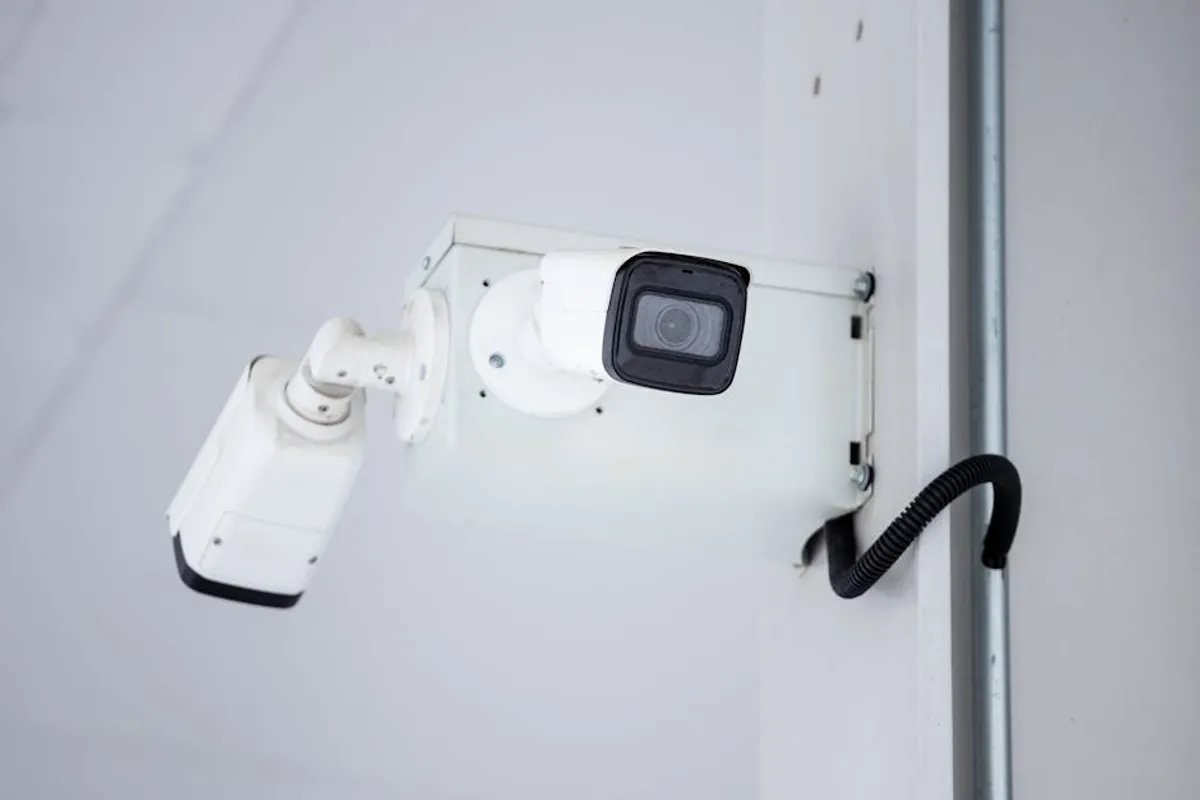
Selecting an outdoor security camera system involves navigating numerous options, from connectivity types to storage solutions and advanced features. For beginners, the sheer volume of choices can be overwhelming, potentially leading to systems that don't meet specific security needs or budget constraints. This guide breaks down the fundamental considerations and essential features, providing a clear path to choosing an outdoor security camera that delivers effective surveillance and peace of mind. To ensure you get the most out of your investment, be aware of the common mistakes to avoid when setting up your system.
Understanding Your Needs Before Buying
Before evaluating specific camera models, define the primary purpose and scope of your outdoor surveillance. This initial assessment ensures you invest in a system tailored to your property and security objectives. Understanding your needs upfront will guide you in choosing cameras that last and provide reliable security for years to come.
Identifying Key Surveillance Areas
Walk around your property and identify critical points that require monitoring. This could include entryways, driveways, garages, side gates, or secluded backyard areas. The number of cameras needed and their optimal placement will directly inform your system requirements.
- Front Door/Entryways: Often requires a camera with a wide field of view and clear two-way audio for package deliveries and visitor screening.
- Driveways/Garages: Benefits from cameras with strong motion detection and night vision to capture vehicle activity or potential intruders.
- Backyards/Perimeters: May need multiple cameras or a single camera with pan-tilt-zoom (PTZ) capabilities to cover larger areas, especially if there are blind spots.
Power and Connectivity Options
Outdoor cameras typically rely on either wired or wireless connections for both power and data transmission. Each method presents distinct advantages and limitations regarding installation and reliability.
Wired Cameras (PoE - Power over Ethernet or separate power/data cables):
Best for: Reliability, continuous recording, long-term stability.
Wired systems offer consistent power and a stable internet connection, reducing latency and dropped signals. Installation can be more complex, often requiring professional wiring, but they are less susceptible to interference or battery depletion. These systems are ideal for permanent installations where continuous, uninterrupted surveillance is critical.
Wireless Cameras (Wi-Fi):
Best for: Flexible placement, easier DIY installation.
Wireless cameras connect to your home Wi-Fi network for data transmission. Some models are battery-powered, offering maximum placement flexibility without needing an electrical outlet. Others require a power cable but still use Wi-Fi for data. Battery-powered cameras typically record only when motion is detected to conserve power, while wired-wireless cameras can often record continuously. Wi-Fi signal strength is a crucial factor for performance.
Storage Solutions
Recorded footage needs a place to be stored and accessed. The two primary options are local storage and cloud storage, each with implications for cost, accessibility, and data security.
Local Storage:
Method: Footage saved to an SD card within the camera, a Network Video Recorder (NVR), or a Digital Video Recorder (DVR) on your property.
Advantages: No recurring subscription fees, direct control over your data, footage accessible even if internet goes down (though remote viewing requires internet).
Disadvantages: Limited storage capacity (SD cards), risk of data loss if the device is stolen or damaged, NVR/DVR systems can be more complex to set up.
Cloud Storage:
Method: Footage uploaded and stored on remote servers managed by the camera manufacturer or a third-party service.
Advantages: Footage is safe even if the camera is stolen, accessible from anywhere with an internet connection, typically offers longer retention periods.
Disadvantages: Requires a recurring monthly or annual subscription fee, dependent on a stable internet connection for uploading, potential privacy concerns with third-party servers.
Essential Features to Look For
Once you understand your fundamental needs, evaluate camera features that enhance performance, usability, and overall security effectiveness.
Video Resolution and Field of View
Higher resolution directly translates to clearer images and more discernible details. Look for cameras offering at least 1080p (Full HD) resolution. For greater detail, especially over longer distances, consider 2K (1440p) or 4K (2160p) cameras. The field of view (FoV) indicates how wide an area the camera can capture. A wider FoV (e.g., 120-180 degrees) reduces the number of cameras needed to cover a specific zone, while narrower FoV cameras might be better for focusing on specific choke points.
Night Vision Capabilities
Effective night vision is crucial for 24/7 surveillance.
Infrared (IR) Night Vision: The most common type, uses IR LEDs to illuminate an area, producing clear black-and-white footage in low light or complete darkness. Range varies by model.
Color Night Vision: Achieved through larger image sensors, wider apertures, or integrated spotlights. This provides full-color video even in very dim conditions, offering more contextual detail (e.g., clothing color, vehicle color) than IR.
Motion Detection and Smart Alerts
Modern outdoor cameras go beyond basic motion detection.
Passive Infrared (PIR) Sensors: Detect changes in heat signatures, reducing false alarms from moving branches or shadows.
AI-Powered Detection: Many cameras now use artificial intelligence to differentiate between people, vehicles, and animals, significantly reducing irrelevant notifications.
Customizable Motion Zones: Allows you to define specific areas within the camera's view where motion detection should be active, ignoring busy streets or public pathways.
Two-Way Audio
A built-in microphone and speaker enable you to listen to activity and speak through the camera. This feature is useful for communicating with delivery personnel, deterring potential intruders, or checking on pets in the yard.
Weather Resistance
Outdoor cameras must withstand various environmental conditions. Look for an IP (Ingress Protection) rating, which indicates resistance to dust and water.
IP65: Dust-tight and protected against low-pressure water jets from any direction. Suitable for most outdoor conditions.
IP66: Dust-tight and protected against high-pressure water jets. Offers greater protection against heavy rain.
IP67: Dust-tight and protected against immersion in water up to 1 meter for 30 minutes. Often found on more robust, industrial-grade cameras.
Pro Tip: Always be aware of local laws regarding surveillance and privacy. Position cameras to monitor your property only, avoiding neighbors' yards or public spaces to prevent legal issues and maintain good neighborly relations.
Installation and Setup Considerations
Proper installation ensures optimal performance and coverage.
Mounting Locations and Angles
Mount cameras high enough to prevent tampering (typically 8-10 feet) but low enough to capture clear facial features. Angle cameras to cover key entry points or areas of interest without pointing directly into strong light sources, which can cause glare and obscure footage.
Network Connectivity Best Practices
For wireless cameras, ensure your Wi-Fi router provides a strong, stable signal to all camera locations. Consider Wi-Fi extenders or mesh systems for larger properties. Wired cameras require careful planning for cable routing to protect against damage and maintain aesthetics.
App Control and Integration
Most modern security cameras come with a dedicated smartphone app for live viewing, accessing recordings, adjusting settings, and receiving alerts. Check for compatibility with smart home ecosystems (e.g., Google Home, Amazon Alexa) if you plan to integrate your security system with other smart devices.
Maintaining Your Outdoor Security Camera System
Regular maintenance ensures your system remains operational and effective over time.
Regular Cleaning and Inspection
Periodically clean camera lenses to remove dirt, dust, spiderwebs, or water spots that can obscure footage. Check mounting brackets for stability and inspect cables for any signs of wear or damage, especially after severe weather.
Software Updates
Keep your camera's firmware updated. Manufacturers frequently release updates to improve performance, add new features, and patch security vulnerabilities. Most cameras allow for over-the-air updates via their mobile app.
Battery Management
For battery-powered cameras, monitor battery levels regularly through the app. Develop a charging schedule or consider solar panel accessories to provide continuous power without frequent manual recharging.
Making Your Final Decision
Choosing the right outdoor security camera system depends on a careful assessment of your specific security needs, budget, and technical comfort level. Prioritize features like resolution, night vision, and smart detection based on what you need to protect. Consider the practicalities of power and data connectivity for your property, and evaluate storage options based on cost and access preferences. By systematically addressing these points, you can select a robust and reliable system that enhances your property's security.
Frequently Asked Questions
How much do outdoor security cameras cost?
Prices vary widely, from under $50 for basic battery-powered cameras to several hundred dollars for advanced wired systems with professional installation. Cloud storage subscriptions are an additional recurring cost, typically ranging from $3 to $15 per month per camera or for an entire system.
Do I need Wi-Fi for an outdoor security camera?
Most consumer-grade outdoor security cameras rely on Wi-Fi for data transmission and remote access. However, some advanced systems (like NVR/DVR-based setups) can record locally without an internet connection, though remote viewing and cloud features would not be available.
Can outdoor security cameras record continuously?
Yes, many wired outdoor security cameras and those connected to NVR/DVR systems can record continuously. Battery-powered cameras typically record only when motion is detected to conserve battery life.
What's the difference between local and cloud storage?
Local storage saves footage directly on your property (e.g., SD card, NVR), offering privacy and no recurring fees but risking data loss if the device is compromised. Cloud storage uploads footage to remote servers, providing off-site backup and remote access for a subscription fee, but relies on internet connectivity.